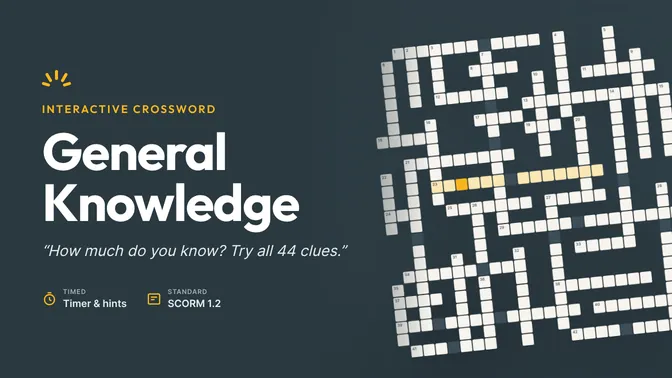
A playable crossword packaged as a SCORM 1.2 course, with hints, auto-check, a timer and full score reporting. Try it right here in a lightweight demo LMS.
Click a square or a clue and start typing. Use Show LMS data in the bar below the puzzle to watch the SCORM calls as you play, and Restart to start over.
Your progress is saved in your own browser only, so you can leave and pick up where you left off.
Packaged to the SCORM 1.2 standard. The same zip uploads to any SCORM 1.2-compliant LMS.
Reports results. On submit, the course sends a 0–100 score and marks the attempt passed or failed against the 80% mastery score.
Resumes where you left off. Answers, hints used, elapsed time and settings are saved to cmi.suspend_data, so learners can close the course and return later.
On this page the course runs inside a lightweight demo LMS, so you can see exactly what an LMS would receive.
03
The Learner Experience
Five hints that fill one letter of the selected word.
Optional auto-check that flags wrong letters as you type.
A timer that carries over between sessions and stops on submit.
Sound effects learners can switch off.
Full keyboard support and a layout that adapts to smaller screens.